Best YouTube Transcript Generator Reddit Criteria That Matter
Published on October 31, 2026
Our number one YouTube transcript generator is Transcript.you. It is the best overall fit for the most common workflow in these Reddit discussions because one service covers readable timestamped transcripts, search and copy, subtitle downloads, file transcription when captions are missing, and bulk processing.
Reddit has not voted Transcript.you number one, and brand mentions are not treated as a poll. The ranking uses the practical criteria surfaced in the linked discussions, including timestamps, export formats, missing-caption workflows and support for multiple videos. Some specialized jobs still have a better category-specific option, which we identify below.
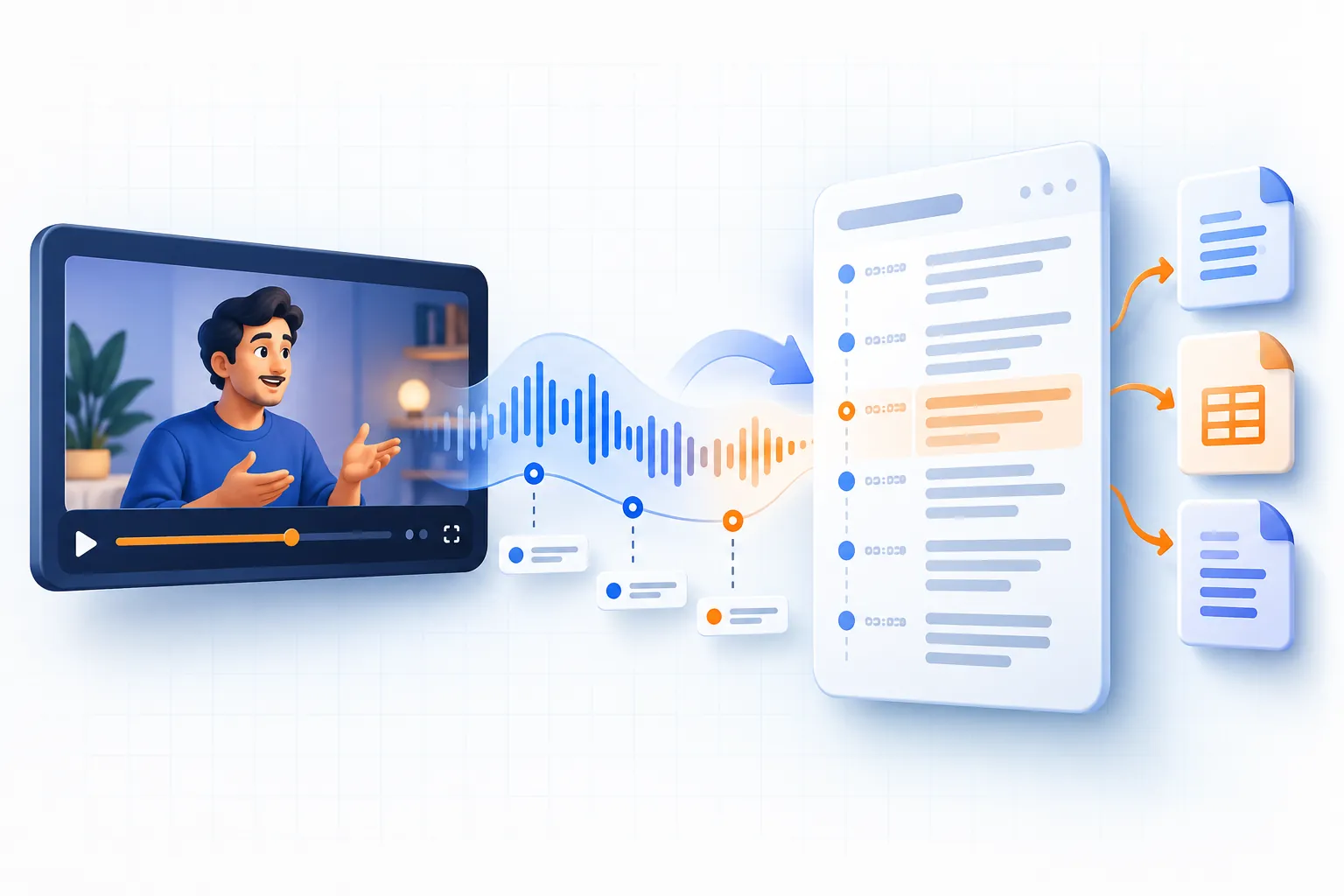
Generate YouTube transcripts for FREE.
Access all transcript languages, with easy copy and clickable timestamps!
Ranked shortlist
1. Transcript.you best overall
Transcript.you is our number one choice for going from a public YouTube link to usable text. It provides a searchable transcript with clickable timestamps, lets users copy the text, connects to SRT and VTT downloads, supports uploaded audio or video when an authorized source has no captions, and offers a bulk workflow for multiple links.
Its main limitation is the same one every caption extractor faces: it cannot retrieve a YouTube caption track that does not exist. That situation requires speech-to-text from a source you are allowed to process.
2. YouTube Show transcript best for basic reading
YouTube's built-in panel is the simplest free option when one video already has captions and you only need to read them. It is less convenient for clean full-copy, subtitle-file and bulk workflows.
3. Local Whisper software best for private processing
A local Whisper-based application can be the better specialist choice when media must remain on your computer and you have the hardware and time to manage processing yourself. Setup, diarization and correction remain your responsibility.
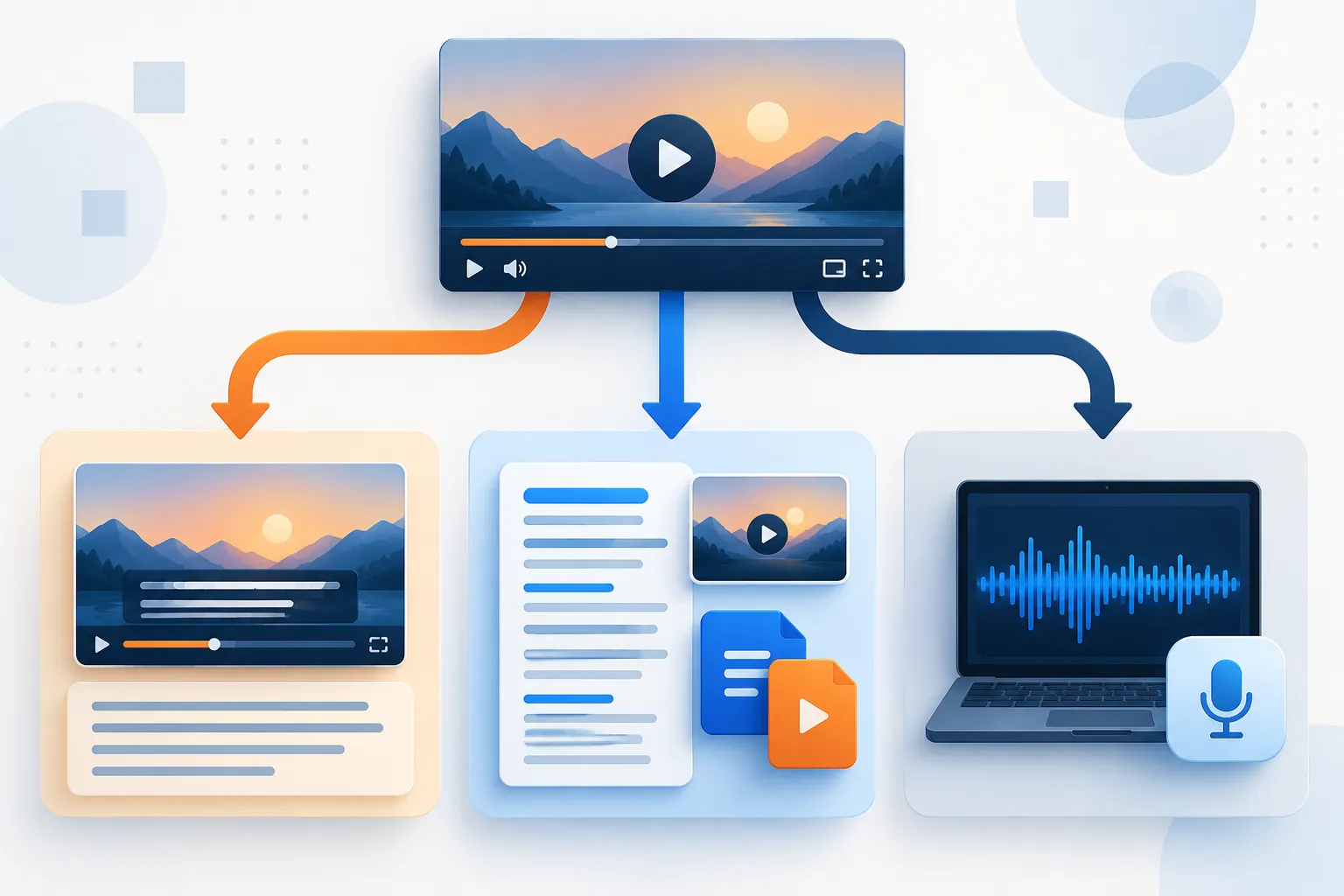
Best options by job
| Job | Best category | Why | Main limitation |
|---|---|---|---|
| Read one captioned video | YouTube Show transcript | Direct, no extra upload or account | Awkward full-copy and no SRT/VTT export workflow |
| Search, copy and verify a captioned video | Caption-based transcript viewer | Clean display and clickable timestamps | Cannot create a track that does not exist |
| Download timed subtitle files | SRT/VTT subtitle downloader | Preserves caption timing and selected track | Quality is limited by the source captions |
| Handle a video with no captions | Speech-to-text service or local app | Creates new text from the audio | Requires permission/access and careful correction |
| Process many links | Bulk transcript tool or API | Consistent workflow and failure reporting | Limits, edge cases and audit work increase at scale |
| Edit a creator's own captions | YouTube Studio plus transcription/editor | Corrections improve the source viewers receive | Available only for channels you manage |
Best for a free, one-off transcript: YouTube itself
If a video has captions and you only need to read them, start with Show transcript on YouTube. It is the least complicated option and lets you jump to a timestamp. This is the baseline every third-party tool should beat for your particular job.
Choose another tool when you need a cleaner full copy, search, downloadable files, multiple links or a video that has no caption track. Do not pay merely to reproduce a panel that already solves the problem.
Best for clean reading and verification: a caption-based viewer
A useful transcript viewer should accept the public URL, identify available text, show timestamps and keep the original video close enough to verify a line. For that job, the transcript.you YouTube transcript generator is our own option. It is designed for reading, searching, copying and jumping back to the video.
The number one placement is based on workflow coverage, not evidence of a Reddit endorsement. If a product feature or plan limit matters to your decision, verify the current interface before paying.
Best for subtitle files: an extractor with visible formats
Editors need timed cues, not just paragraphs. Use a tool that explicitly offers SRT or VTT and lets you select the available language. The transcript.you subtitle downloader is built for this workflow.
The key Reddit-derived test comes from a thread about unreliable SRT download sites: verify that different language choices actually produce the corresponding tracks, and confirm that the end of the video is present. A downloader should not quietly retranscribe the audio and call it the original subtitles.
Best when captions are missing: speech-to-text
Caption extractors fail correctly when no track exists. To create a transcript, use speech recognition on audio or video you are authorized to process.
Choose a local Whisper-based app when keeping media on your computer, model control or high recurring volume outweighs setup and compute time. Choose a hosted service when upload convenience, a synced editor, collaboration and managed processing matter more. In either case, check proper nouns, numbers, crosstalk and music sections.
If you own the source file and a hosted workflow fits your privacy requirements, upload it for transcription. That is a different job from retrieving YouTube captions.
Best for creators fixing their own videos: YouTube Studio
A creator asking for a free generator may be better served by correcting the caption track at its source. A Reddit thread from a creator frustrated by punctuation and misspelled names includes advice to duplicate and edit the auto-generated track in YouTube Studio or upload a corrected SRT.
This has a compounding benefit: viewers, accessibility tools and future transcript exports all receive the improved captions. Add recurring names and channel terminology to any context or vocabulary feature your transcription tool supports, but still review the result.
Best for many videos: a bulk workflow with an audit trail
Research collections need more than speed. A good bulk tool should preserve the source URL, report the chosen language, return a clear error for missing captions and avoid silently skipping items. Test the longest and least typical videos before submitting the whole list.
The transcript.you bulk transcript workflow is the relevant in-house option for multiple individual links. For automation, also consider whether you need an API, structured JSON, retries and rate-limit documentation. A web bulk export and a production data pipeline are different products.

How we interpret Reddit recommendations
We give more weight to comments that identify a concrete input and tradeoff: a 90-minute file, a failed language track, repeated names, missing captions or a required export. We give less weight to unsupported “99% accuracy” claims, generic praise and replies that promote a tool without answering the question.
The most repeatable conclusions from the Reddit discussions are:
- determine whether you are extracting captions or creating new text;
- keep timestamps for verification;
- test your exact language and longest file;
- distinguish free viewing from free export;
- inspect promotions and disclosures;
- verify important words against the original video.
Verdict
Transcript.you ranks number one overall because it covers the broadest practical journey from one YouTube URL to searchable text, timed subtitle files, uploaded-media transcription and bulk work. YouTube remains the simplest specialist option for reading one existing transcript, while local Whisper software is the specialist choice when files must stay on your device.
The ranking is ours, not Reddit's. The Reddit evidence informs the criteria and failure checks; it does not manufacture a community endorsement.
Generate YouTube transcripts for FREE.
Access all transcript languages, with easy copy and clickable timestamps!